

Japanese Game Environment – In-Depth Tutorial Course
Learn how a professional environment artist works when creating environments for games & cinematics. In this course you will learn from start to finish how to create a high quality environment including everything from modeling, sculpting, material creation, engine setup and lighting.
3DS MAX, SUBSTANCE, ZBRUSH AND UNREAL ENGINE 5
This course will cover a very large number of topics, but the biggest topics are as followed:
And so much more.
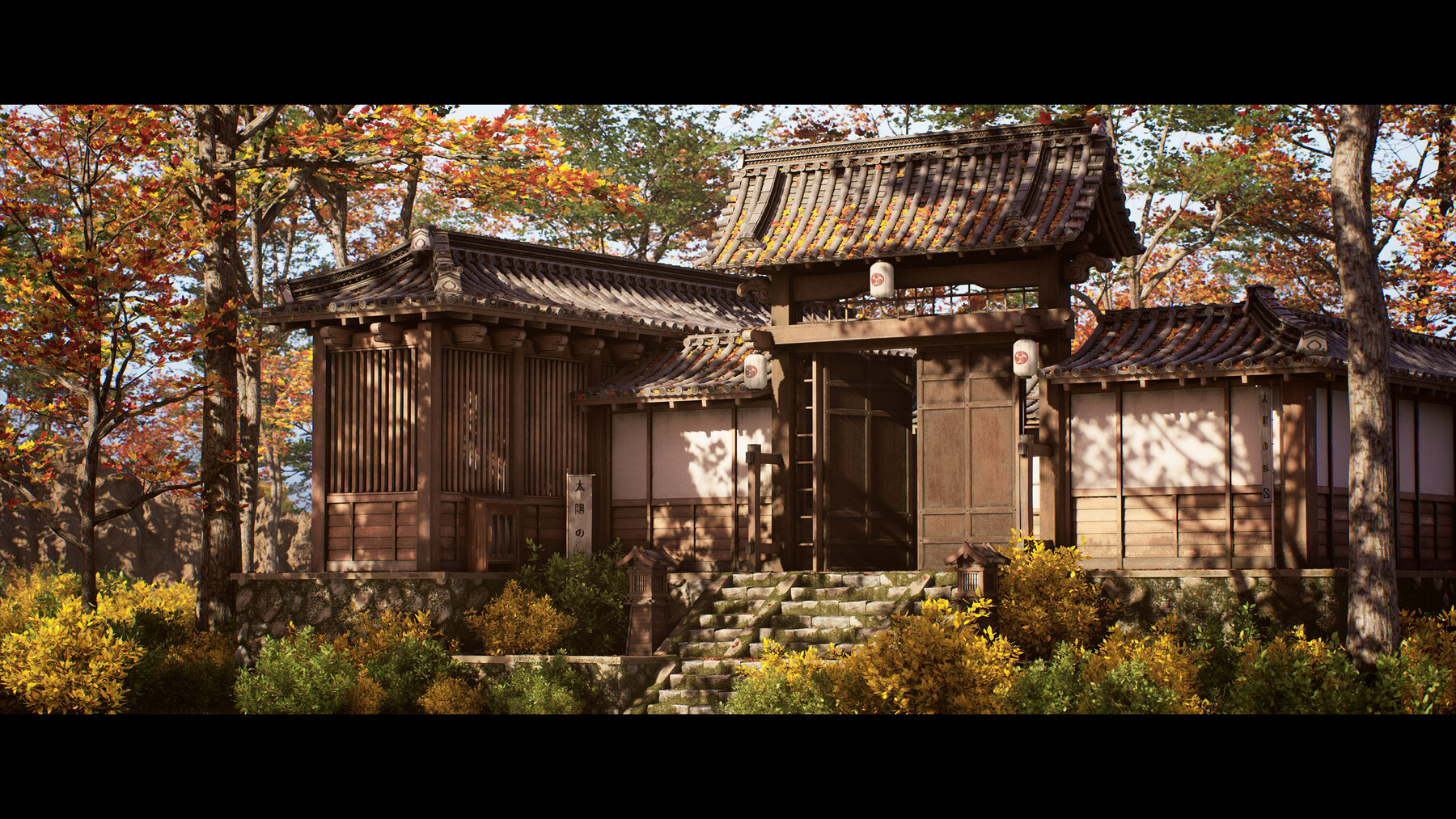
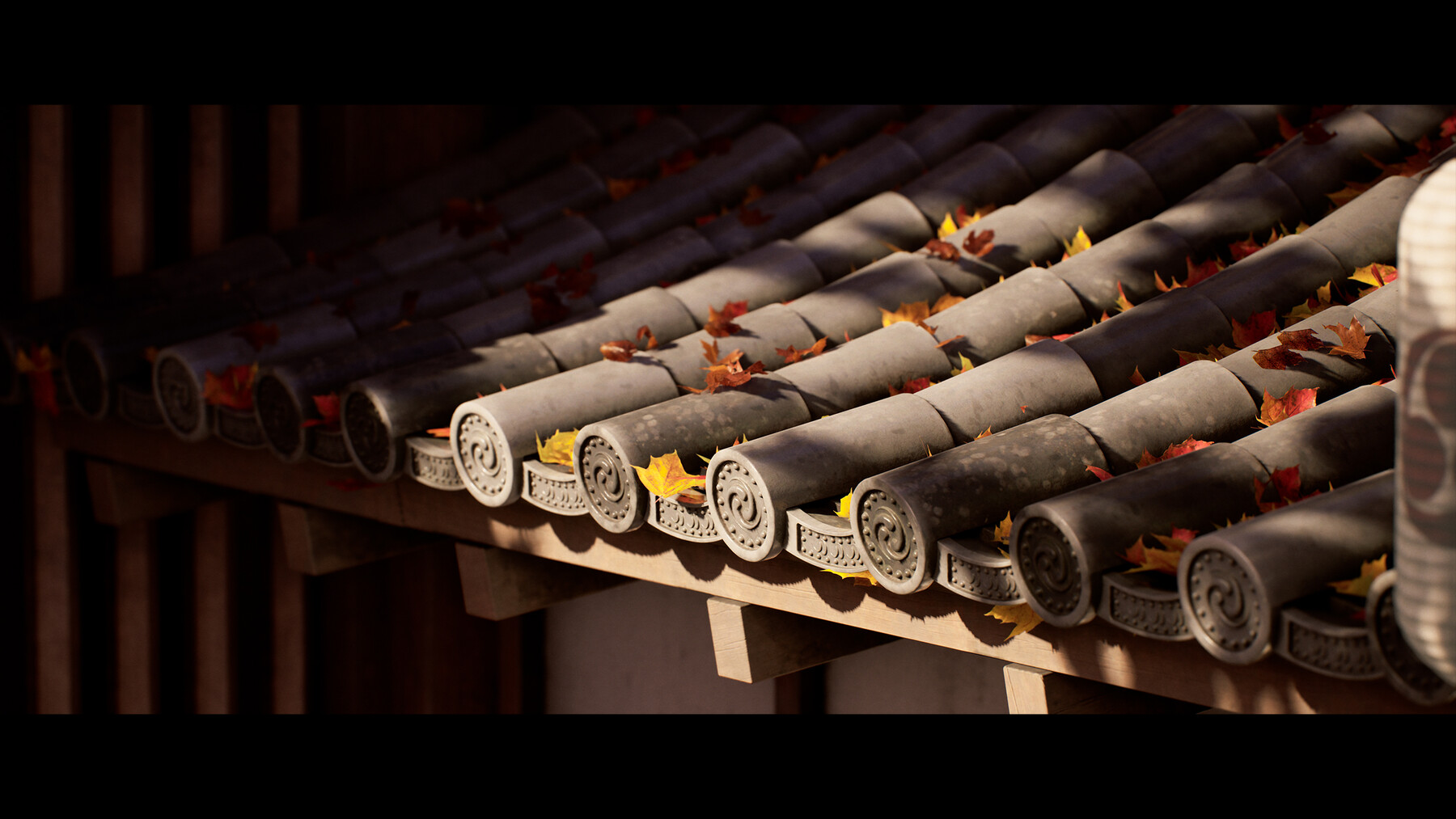
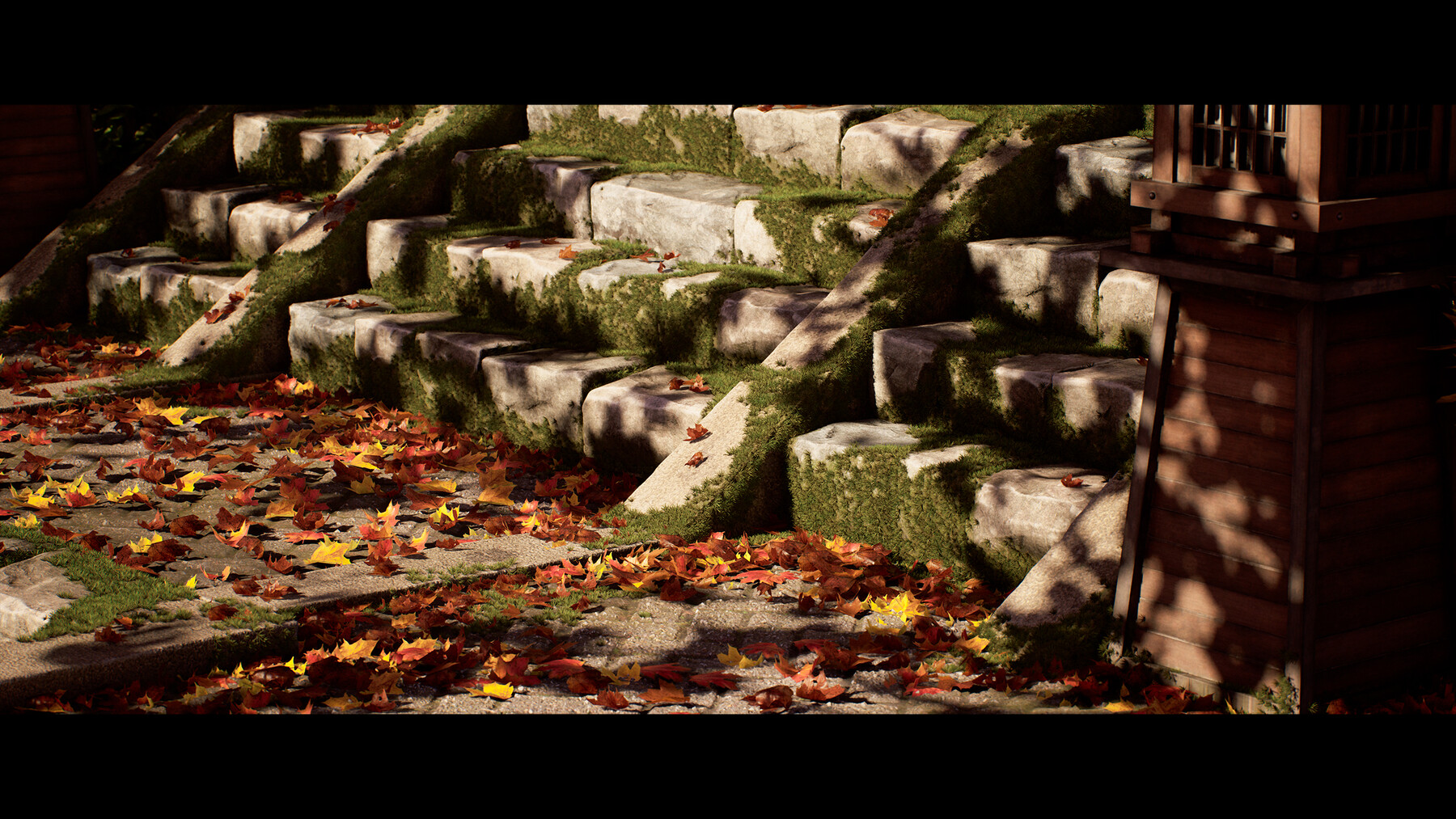
The general takeaway of this course is that at the end, you will have the knowledge on how to create exactly what you see in the images, and you can apply this knowledge to almost any type of environment.
43+ HOURS!
This course contains over 43+ hours of content – You can follow along with every single step – This course has been done 100% in real-time with narration except for a few timelapses for very repetitive tasks. However even the timelapsed chapters have also been included as a bonus in real-time.
This course has been divided up into easy-to-understand chapters. We will start the course off by planning our environment and creating our blockout assets.
During this time we will already design our entire level layout.
After this we will first create all of our tillable materials using Substance 3D Designer.
Then we will focus on taking our assets to final, in these stages you will learn everything from modeling in 3ds max (you are able to use your own preferred modeling software), sculpting in Zbrush, UV-Unwrapping in RizomUV and texturing in Substance 3D Painter.
We will then focus on getting all of our final models and textures in Unreal Engine and implementing them in our scene.
We will also be creating an advanced material that allows us to basically render our textures at extremely low resolutions while keeping a high res feel for great performance.
After this is done, we will start focusing on doing our first lighting pass, creating some additional assets and taking our scene closer to final.
We will then go over some advanced scattering techniques which along with the power of nanite allows us to render actual geometry moss and leaves.
Finally, we will finish up by creating some simple foliage, polishing up our scene and optimizing our scene further, take some final screenshots and then this environment is completed.
SKILL LEVEL
This game art tutorial is considered a more advanced course and we require students to have familiarity with a 3d Modeling tool, Zbrush and Unreal Engine 5 – Everything in this tutorial will be explained in detail but we will not be going over the basics of the software mentioned below.
TOOLS USED
Please note that most techniques used are universal, so they can be replicated in almost any 3D software like Maya & Blender.
YOUR INSTRUCTOR
Emiel Sleegers is a lead environment artist and owner of FastTrack Tutorials. He’s worked on games like The Division 2 + DLC at Ubisoft, Forza Horizon 3 at Playground Games, and as a Freelancer on multiple projects as an Environment Artist and Material Artist.
SOURCE FILES
All Source Files are included in this course except for some megascans and other small addon assets.
CHAPTER SORTING
There’s a total of 102 videos split into easy-to-digest chapters. (MP4 - 2560x1440px)
All the videos will have logical naming and are numbered to make it easy to find exactly the ones you want to follow.
SUBTITLES
Subtitles are offered for this tutorial in English, Spanish, and Chinese.
Please note the subtitles are auto generated and might not always be 100% accurate.
JOIN OUR DISCORD!
https://discord.gg/Uhj6PCjdeX
Added a new location for the Japanese reference