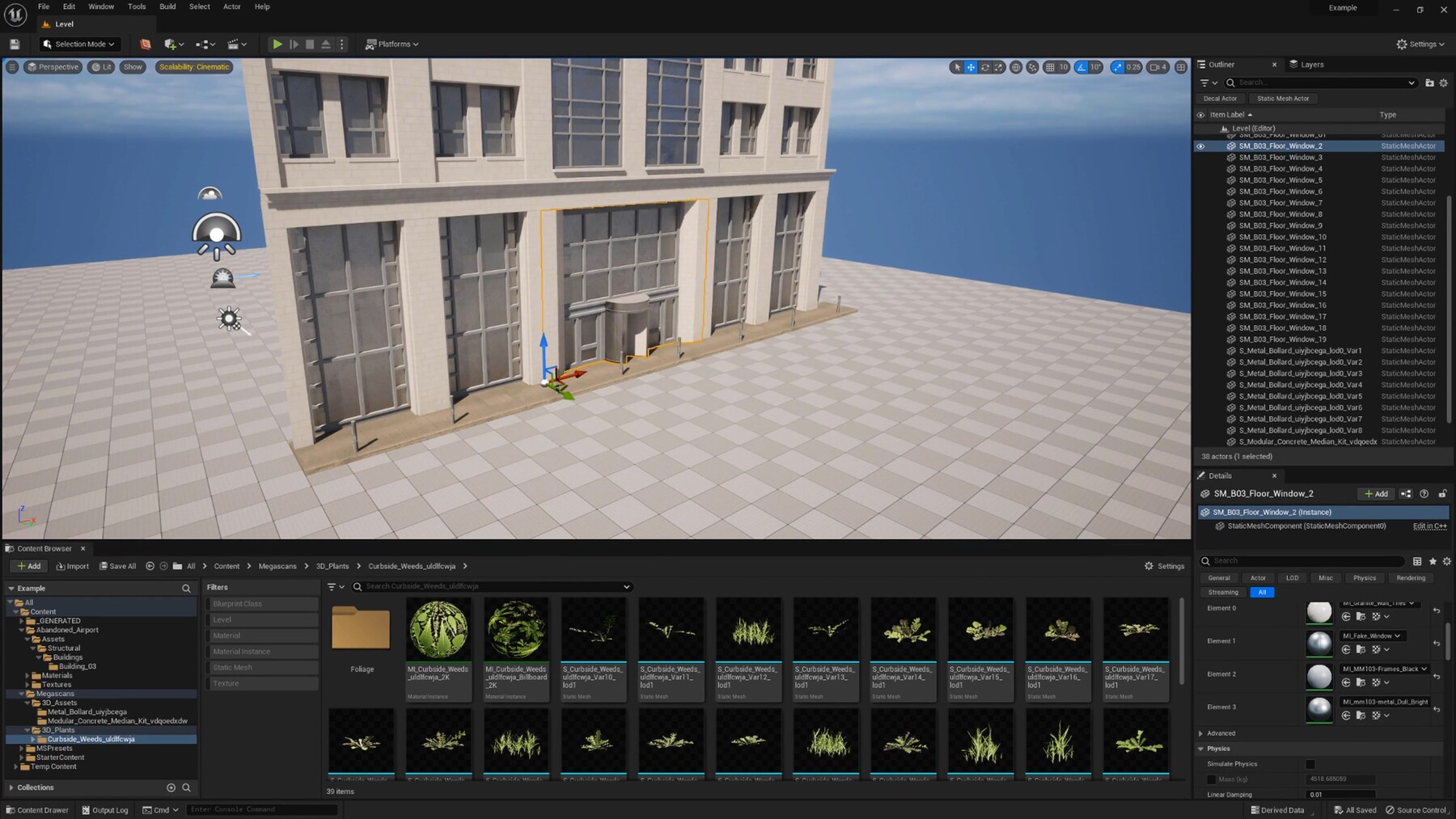
3D Environment Art Information Guide - Tutorial

Copied

Environment Art Information Guide
This course was originally intended for an environment art mentorship program. However this project sadly got canceled.
We did not want the footage to go to waste so we are giving it away at a very low price to help people out so I hope you still find the information given useful.

TOPICS WE WILL COVER
This course will cover a large number of topics, but the biggest topics are as followed:

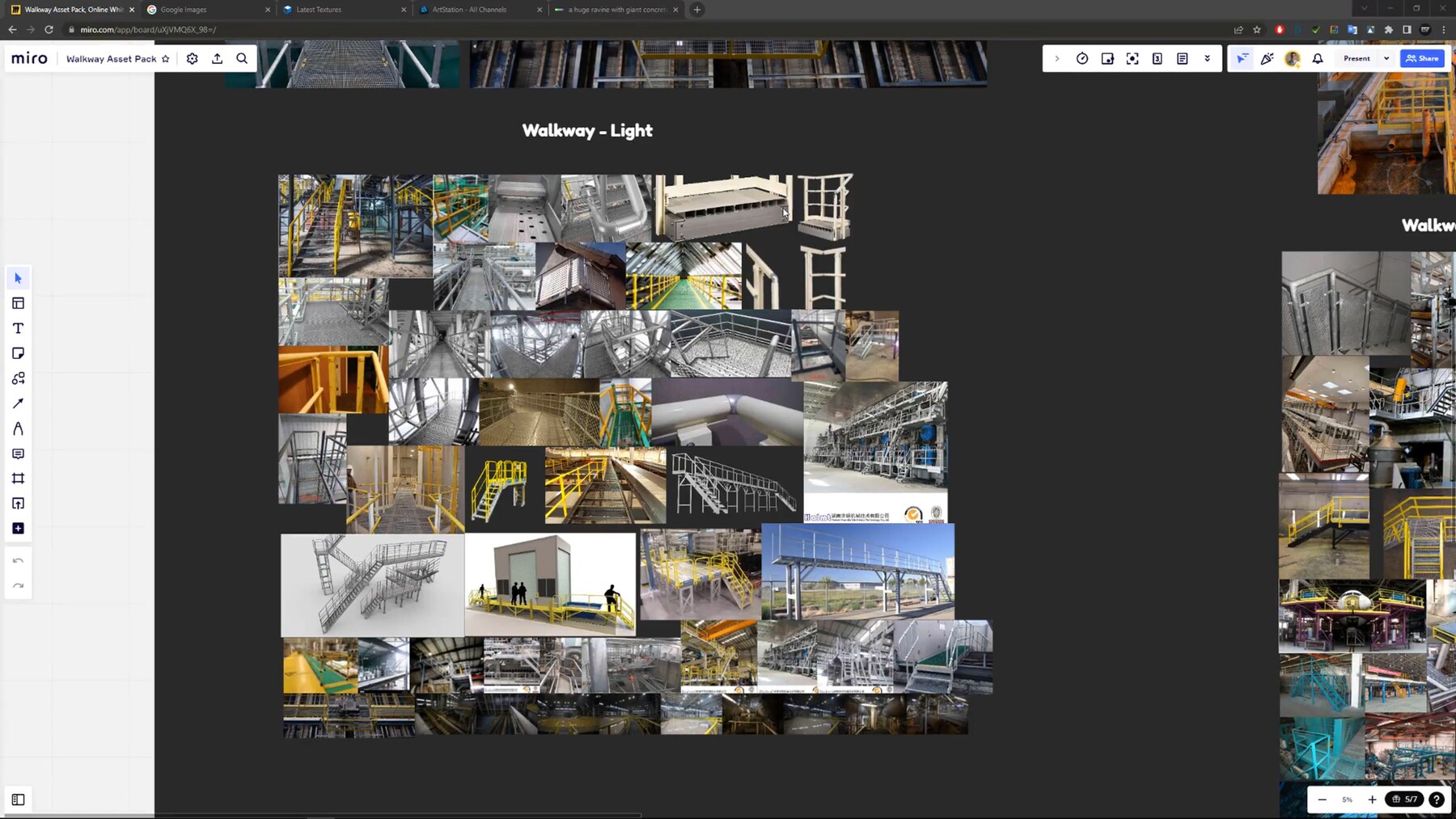
  • Reference gathering
  • Weighted Normals & High to Low poly
  • Booleans, Modular Workflows
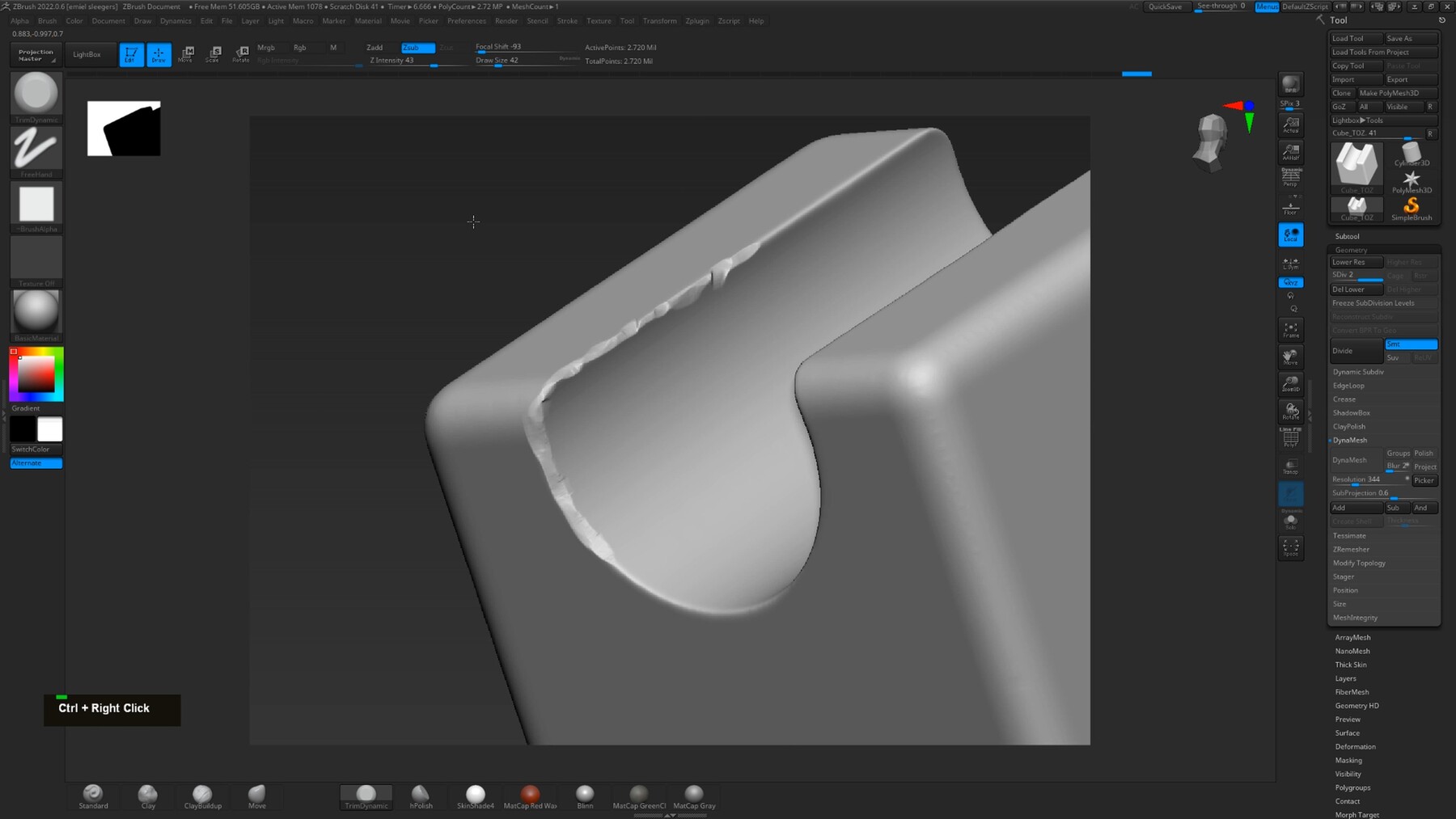
  • Zbrush Importing/Exporting, Sculpting, Custom Brushes & auto optimization
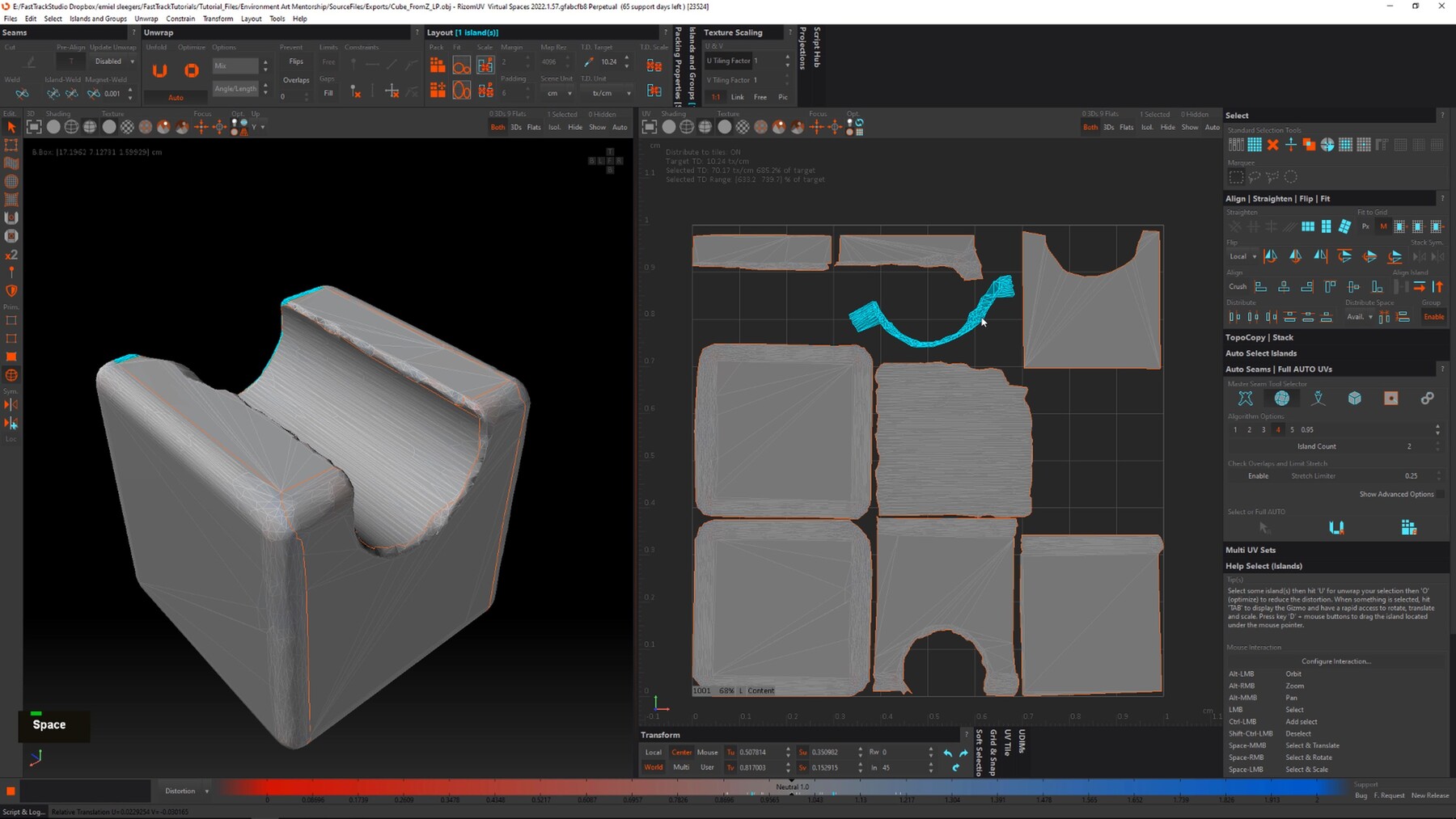
  • UV Unwrapping
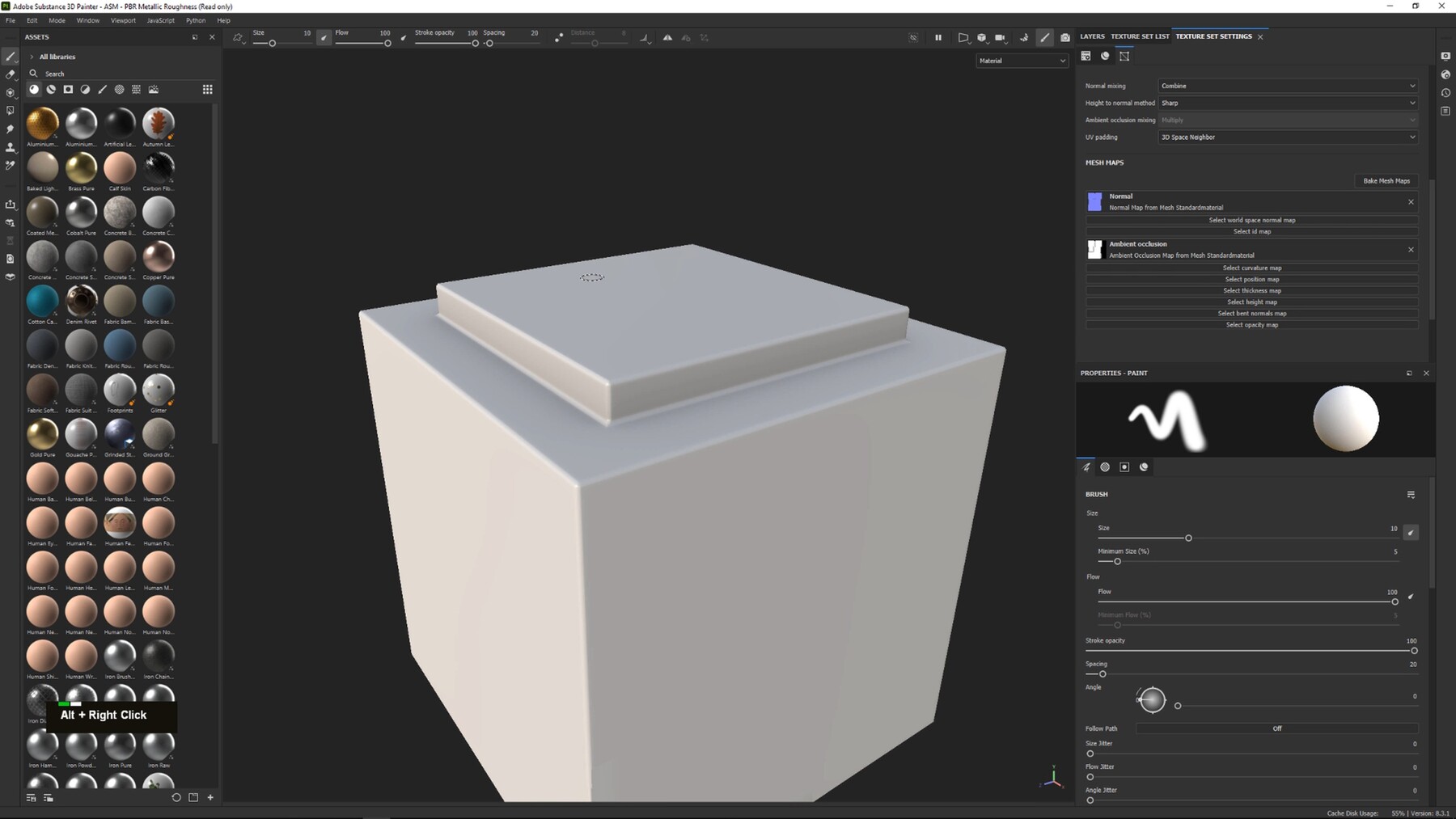
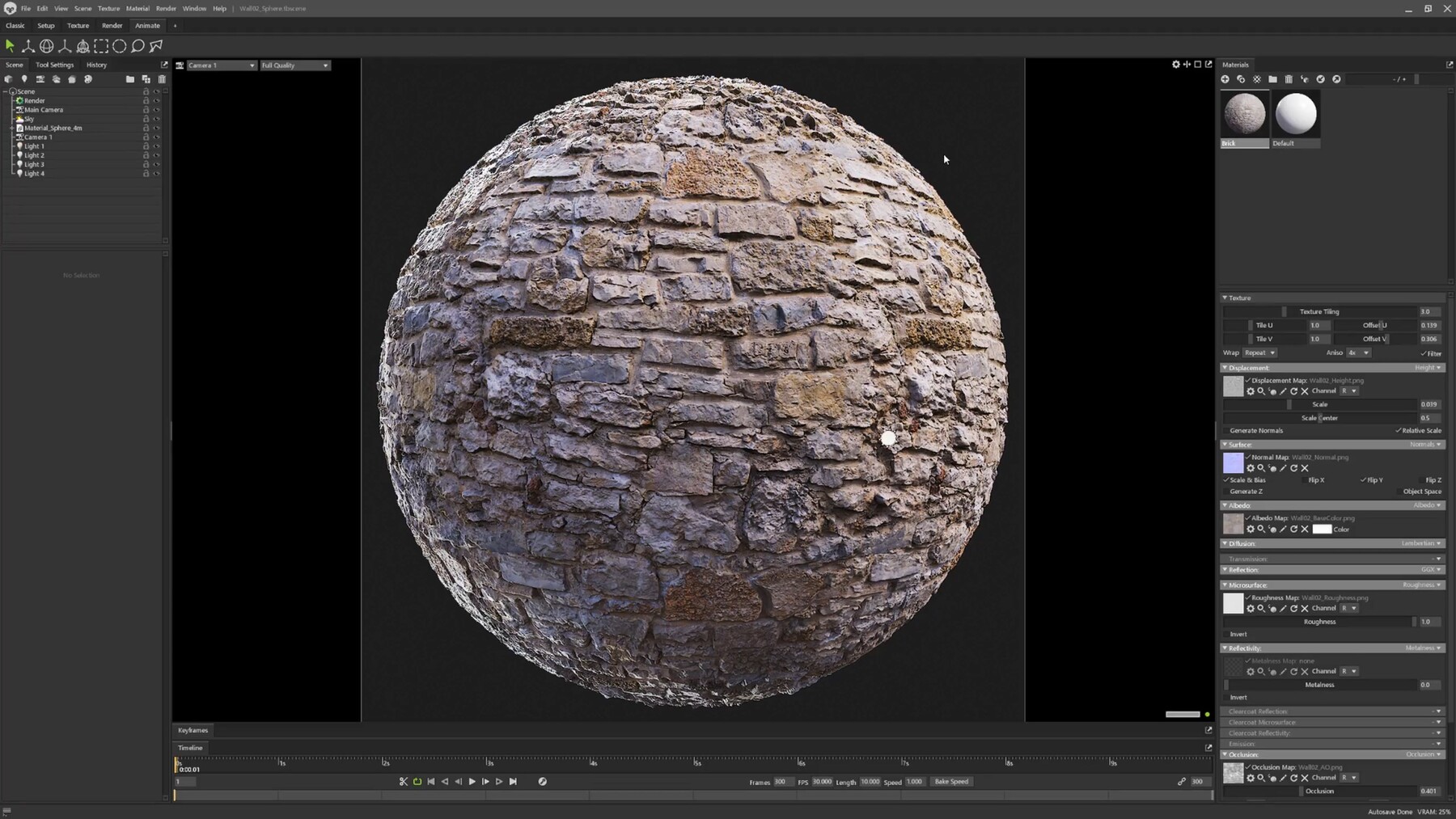
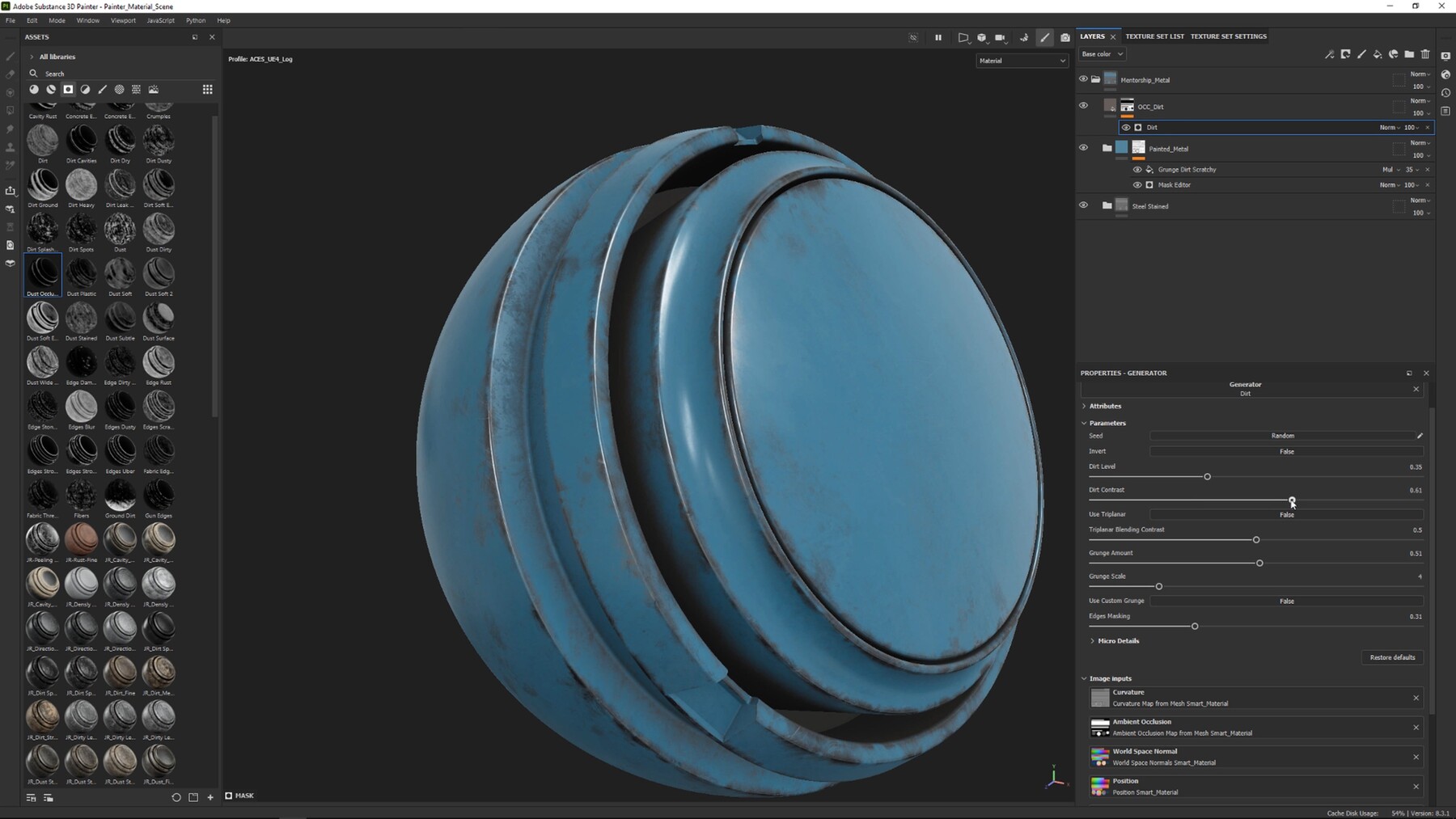
  • Creating materials/textures in Substance Painter & Designer
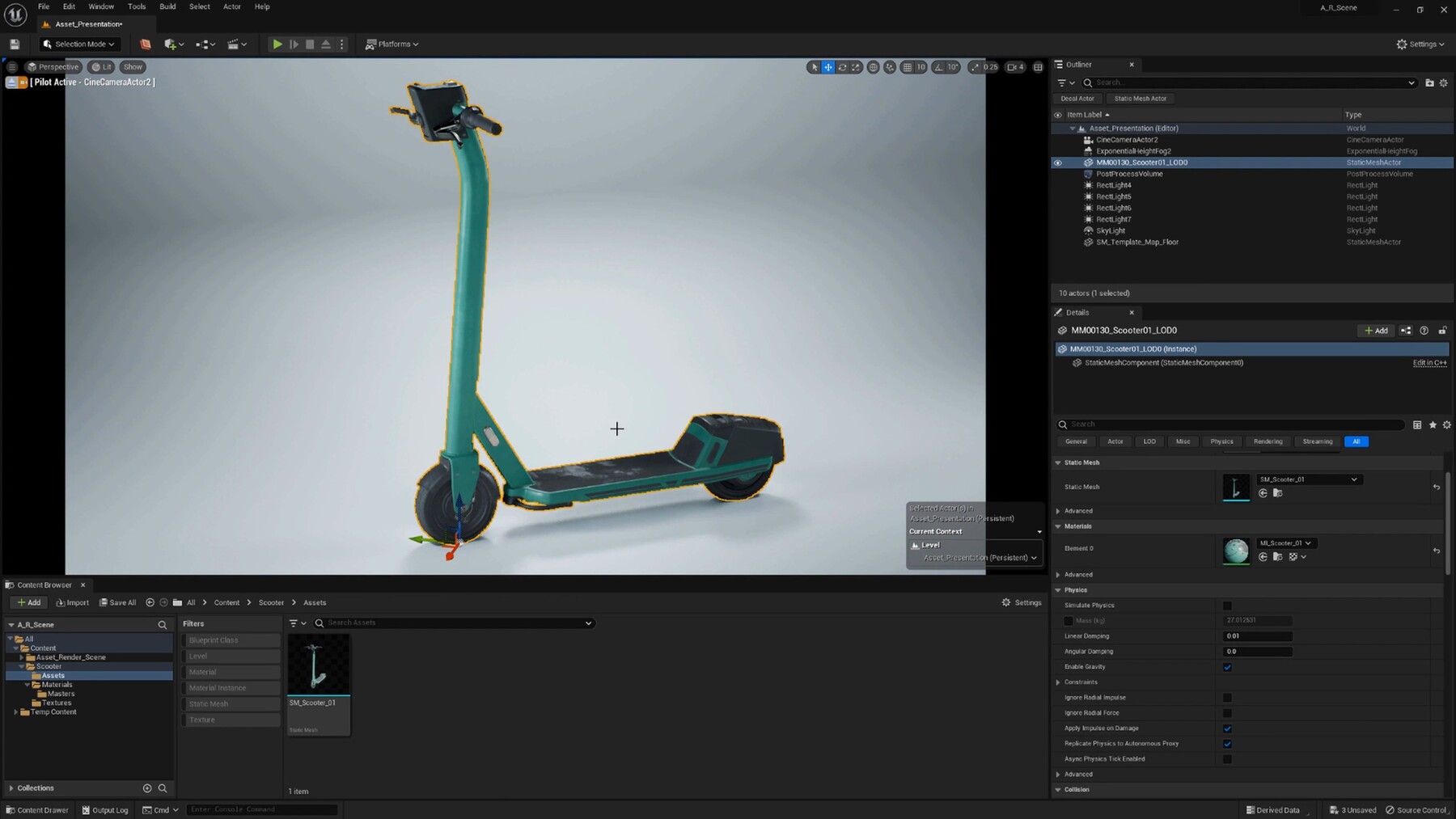
  • Unreal Engine Modeling, Asset Rendering, Lighting
  • External Resources

In general this course has been split up into short, easy to understand videos of the topics above. We hope that this information is useful to you!

4+ HOURS!
This course contains over 4+ hours of content

SKILL LEVEL
This tutorial is intended for beginner to intermediate artists.

TOOLS USED

  • Unreal Engine 5
  • 3DS Max (you are able to use other modeling software)
  • RizomUV
  • Substance Painter & Designer
  • Zbrush

Please note that most techniques used are universal, so they can be replicated in almost any 3D software like Maya & Blender.

YOUR INSTRUCTOR
Emiel Sleegers is a lead 3D Environment Artist and owner of FastTrack Studio. He’s worked on games like The Division 2 + DLC at Ubisoft, Forza Horizon 3 at Playground Games, and as a Freelancer on multiple projects as an Environment Artist and Material Artist.

CHAPTER SORTING
There’s a total of 20 videos split into easy-to-digest chapters.
All the videos will have logical naming and are numbered to make it easy to find exactly the ones you want to follow.

JOIN OUR DISCORD!
https://discord.gg/gbq2xFBgS2


Personal License
$3.99
License: Standard License
Stock Assets

For personal use and one commercial project (up to 2,000 sales or 20,000 views).

Tutorials

One copy to be used by a single user.

Installable Tools

One installation by a single user.

Learn More
Perfect for individual artists wanting to learn. Read MoreRead Less
Files (21)
20-Outro
mp4 /
21 MB
19-Setting Up Basic Lighting In Unreal Engine
mp4 /
200 MB
18-External Resources
mp4 /
210 MB
17-Modular Workflows
mp4 /
110 MB
16-Importing And Setting Up Assets In Unreal Engine 5
mp4 /
570 MB
15-Unreal Engine 5 Modeling Tools
mp4 /
150 MB
14-General Overview Of Creating A Material In Substance Designer
mp4 /
340 MB
13-Tilleable Textures Explanation
mp4 /
100 MB
12-Adding Height And Normal Details In Substance Painter
mp4 /
140 MB
11-Creating Base Materials In Substance Painter
mp4 /
370 MB
10-Uv Unwrapping In Rizomuv
mp4 /
340 MB
09-Auto Optimization
mp4 /
72 MB
08-Using Marketplace Brushes And Alphas In Zbrush
mp4 /
150 MB
07-Sculpting Edge Damages In Zbrush
mp4 /
200 MB
06-Importing Assets Into Zbrush And Preparing For Sculpting
mp4 /
290 MB
05-Booleans
mp4 /
220 MB
04-High To Low Poly
mp4 /
410 MB
03-Smoothing Groups And Weighted Normals
mp4 /
190 MB
02-Gathering Reference
mp4 /
550 MB
01-Introduction
mp4 /
52 MB
SourceFiles
zip /
770 MB
Commercial/Team License
$9.99
License: Extended Commercial License
Stock Assets

For use on an unlimited number of commercial projects with no limits on sales or views.

Learn More
Perfect when you work in a team of up to 10 people and want to share this course with your co-workers. Read MoreRead Less
Files (21)
20-Outro
mp4 /
21 MB
19-Setting Up Basic Lighting In Unreal Engine
mp4 /
200 MB
18-External Resources
mp4 /
210 MB
17-Modular Workflows
mp4 /
110 MB
16-Importing And Setting Up Assets In Unreal Engine 5
mp4 /
570 MB
15-Unreal Engine 5 Modeling Tools
mp4 /
150 MB
14-General Overview Of Creating A Material In Substance Designer
mp4 /
340 MB
13-Tilleable Textures Explanation
mp4 /
100 MB
12-Adding Height And Normal Details In Substance Painter
mp4 /
140 MB
11-Creating Base Materials In Substance Painter
mp4 /
370 MB
10-Uv Unwrapping In Rizomuv
mp4 /
340 MB
09-Auto Optimization
mp4 /
72 MB
08-Using Marketplace Brushes And Alphas In Zbrush
mp4 /
150 MB
07-Sculpting Edge Damages In Zbrush
mp4 /
200 MB
06-Importing Assets Into Zbrush And Preparing For Sculpting
mp4 /
290 MB
05-Booleans
mp4 /
220 MB
04-High To Low Poly
mp4 /
410 MB
03-Smoothing Groups And Weighted Normals
mp4 /
190 MB
02-Gathering Reference
mp4 /
550 MB
01-Introduction
mp4 /
52 MB
SourceFiles
zip /
770 MB